One roll, start to finish.

Six moments, in order — from opening the app on move-in day to a signed acknowledgment months later.

My Home
+

01

Start a Move-In — free, no account

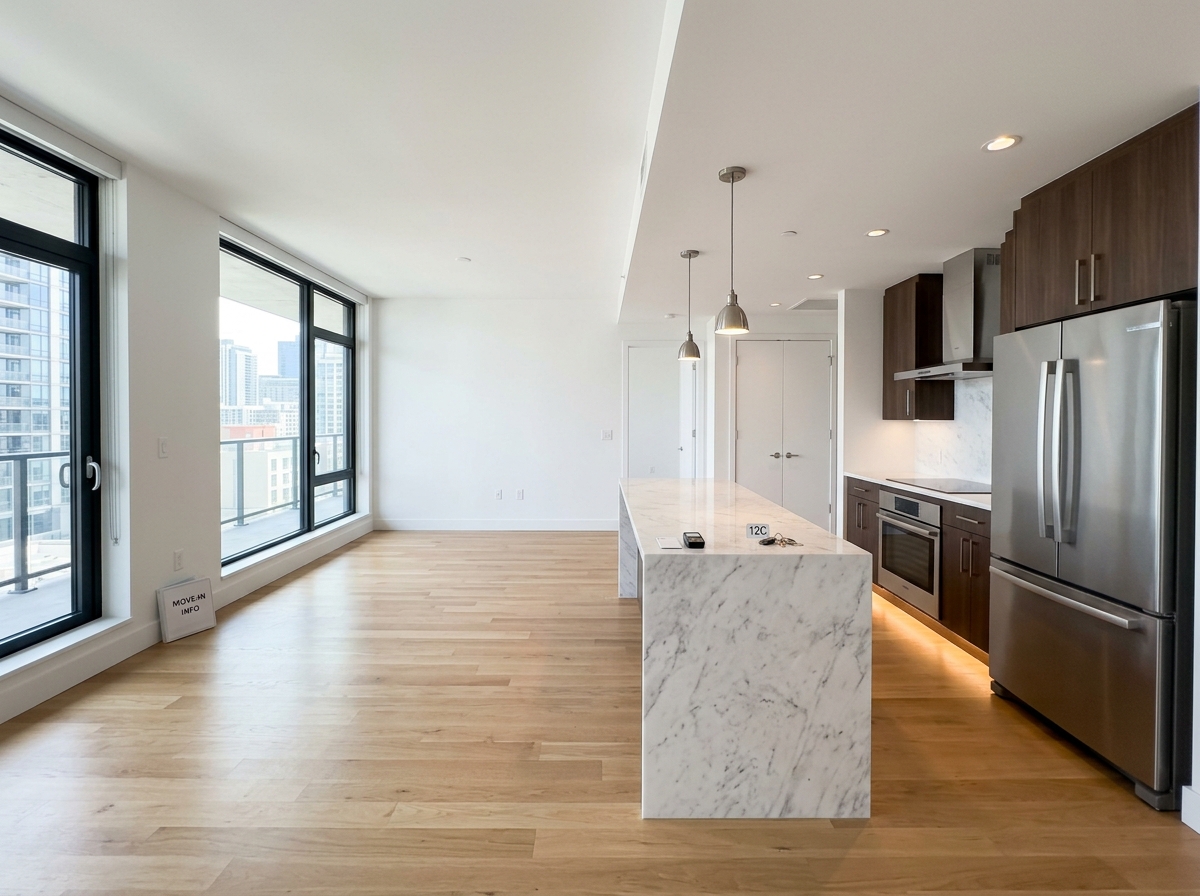
Name the place (“My Home,” “Unit 4B,” whatever you'd call it) and start walking through it, room by room. No sign-in, no card, no limit — a move-in is a baseline, not a deliverable yet.
02

Capture — signed the instant you take it

Photo or video, straight from the camera — there's no “upload from library” path, on purpose. A key in your phone's Secure Enclave signs each capture the moment it's taken, fully offline. No signal in the basement? Doesn't matter.

Finish Move-In
FACE ID TO SIGN OFF

03

Sign off — one Face ID prompt, binding

Finishing a walkthrough asks for Face ID or Touch ID — a second Secure Enclave signature binding a specific person to a specific, unchangeable set of captures. It's evidence the check happened, not a client-side flag someone could fake.

IN
OUT

04

Move-out day — lined up automatically

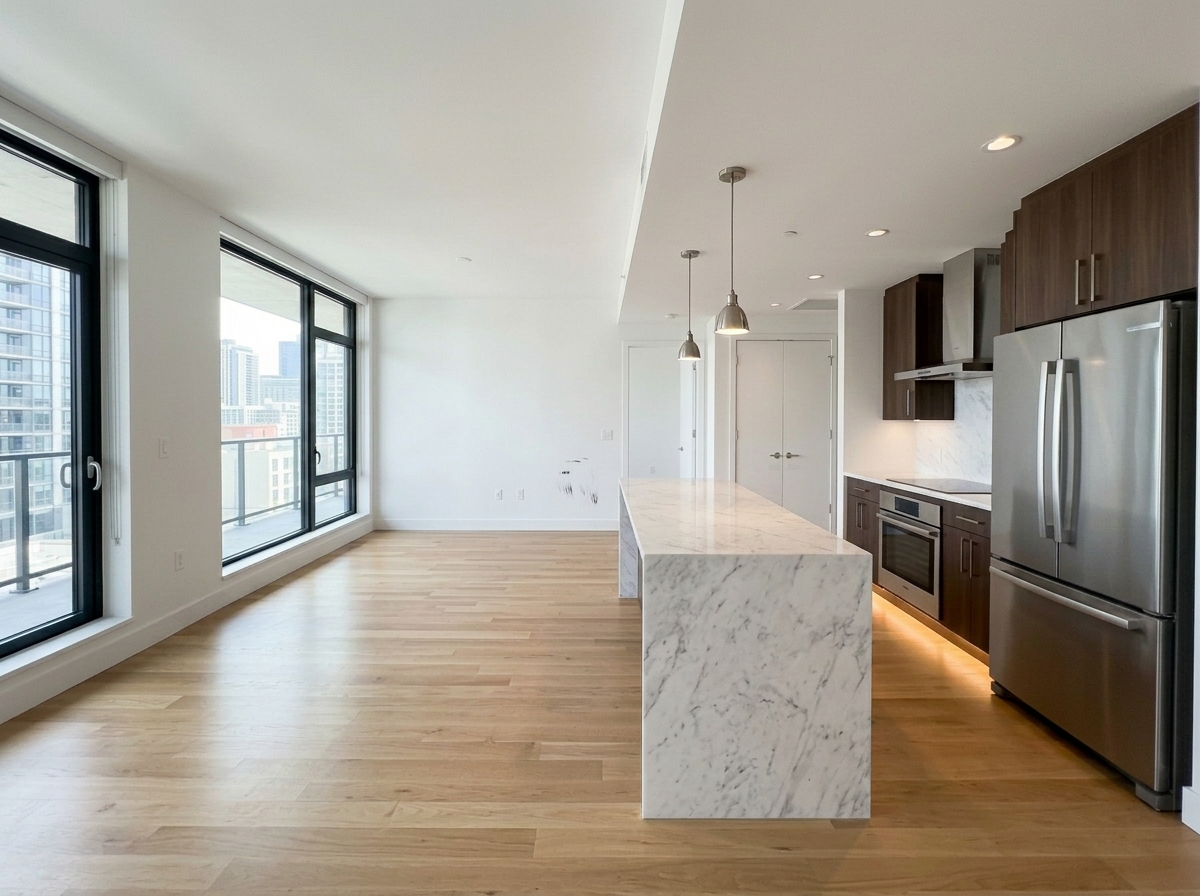
Months later, start the paired Move-Out for the same place. Every room you documented at move-in reappears as a baseline, side by side with what you capture now. Nothing typed twice.

Get Shareable Link
Share

05

Share a link — no app required on their end

Send a private link to the landlord or tenant on the other side. They open it in any browser, review every room side by side, and record a link acknowledgment. No install, no account.

SIGNATURES VERIFIED

06

Verify it, any time — even without us

The exported report carries every hash, signature, and public key it needs. Anyone can check it independently at api.sealmove.com/verify — locally, in a browser, with no upload and no dependency on SealMove staying online.

See it for yourself.

The interactive demo on the homepage runs the real signing math on a real image, live.

Get notified at launch